A person’s profile and history
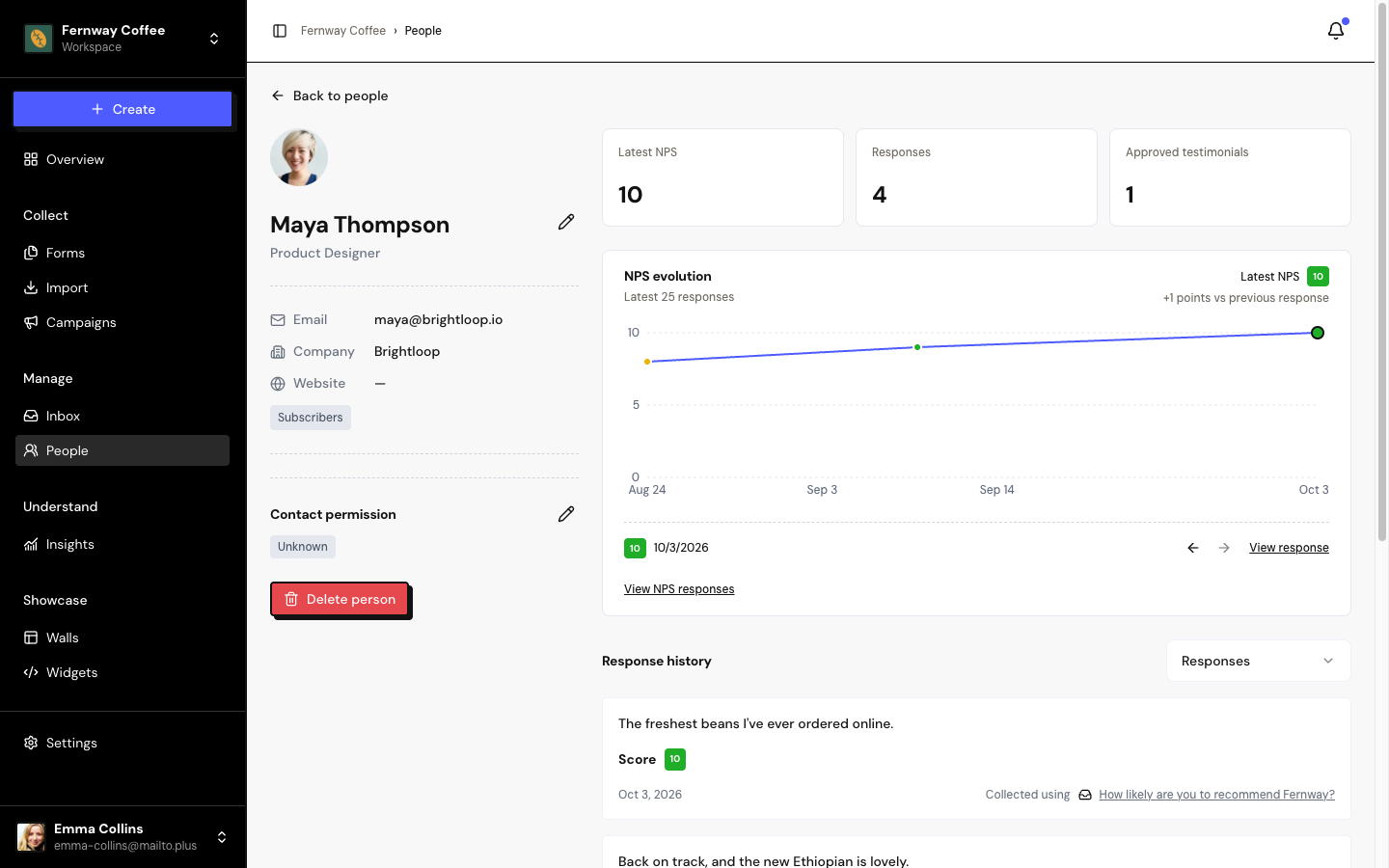
People holds the customers behind each testimonial and NPS response. Each person has a profile with their contact details, contact permission and response history.
Find people
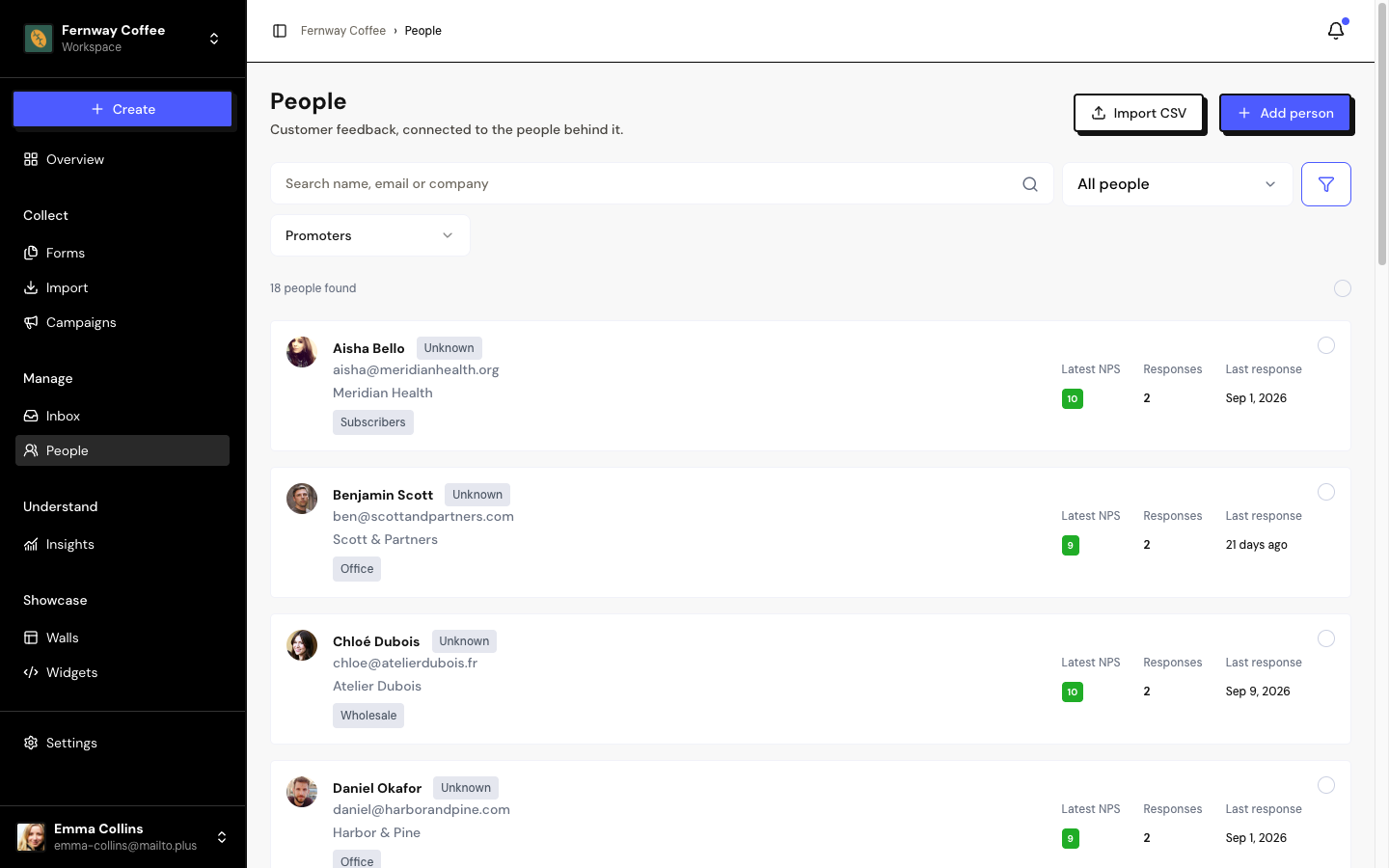
- Search: by name, email or company.
- Quick filter: Promoters (latest NPS of 9 or 10), Detractors (up to 6) or With approved testimonials.
- Segments: in the All people selector, choose a saved segment.
The list is in alphabetical order, 25 per page. Each card shows the contact permission, up to 3 tags, the Latest NPS, the number of Responses and the Last response.
Add a person
Open the form
In People, click + Add person.
Fill in the details
Customer name is required. Email, job title, company and website are optional. Under More information, add an avatar, company logo and social profiles.
Tags and permission
Choose the Person tags. If the person authorized receiving invitations, check the permission and describe the record.
Save
The person’s profile opens next.
Each email can only belong to one person per space. People are also created automatically when someone responds to a form, when you add a testimonial or in an import.
The person’s profile
Click a response in the history to open it in the Inbox.
When you change the email of a person with Authorized permission, the permission goes back to Unknown. Record the authorization again for the new email.
Delete people
In the profile, click Delete person. To delete several, select them in the list (up to 100 at a time) and use Delete.
- The contact, the person’s tags and the permission history are removed.
- Testimonials and NPS responses stay in the Inbox, with no person linked.
- A new response can create the contact again.
Frequently asked questions
I have the same person twice. Can I merge them?
There’s no way to merge contacts yet. Edit one contact’s testimonials in the Inbox to link them to the right person, then delete the duplicate contact.
Can I export the list of people?
Not from the People page. The full export of your data is in Settings › My data.
Who can see People?
The Editor, Admin and Owner roles. The Sharer role doesn’t see People.