Contact support
When the help center doesn’t solve it, talk to us in the chat.
In-app chat
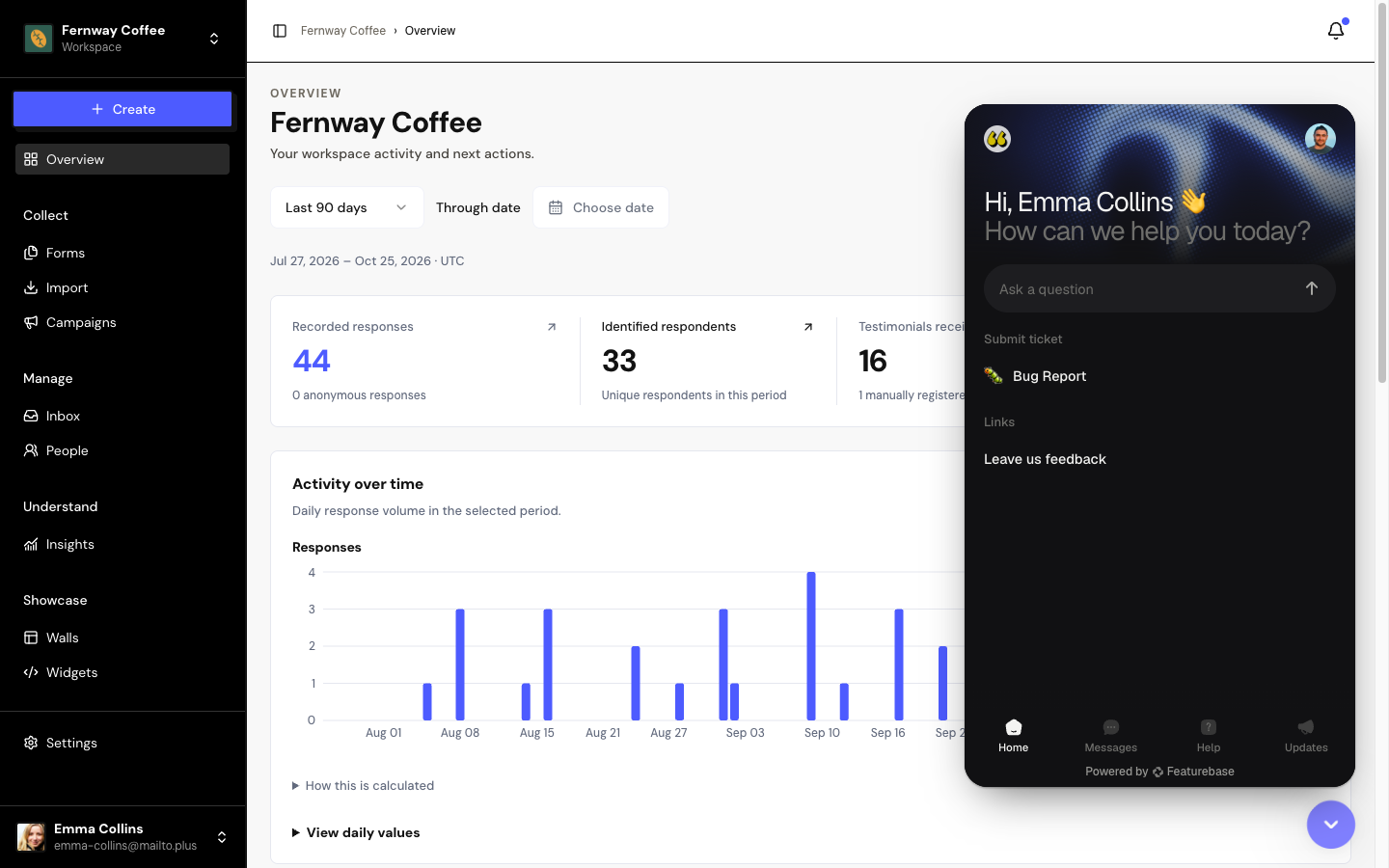
Open the chat
Click the bubble in the bottom-right corner of the app. It also appears on the website and on the sign-in screen.
Write your question
Tell us what happened and in which space. If you can, send a screenshot.
Follow the reply
The conversation stays in the chat. When you’re signed in, the team already knows who you are, what your plan is and which spaces you have, so you don’t need to repeat it.
The chat doesn’t appear on the pages your customers see, such as forms, Walls and case studies.
Before you reach out
Many answers are here, organized like the app’s menu:
Frequently asked questions
The chat bubble doesn’t appear.
Check that an ad blocker or privacy extension isn’t hiding the chat, and reload the page.
I need to change my account email.
Ask in the chat. This change can’t be made in the app yet.
I requested account deletion and want to undo it.
Reach out in the chat within the 30 days. Since you can’t sign in, use the chat on the website.