Campaign reminders
Many people open the invitation and forget to respond. Reminders send a new email to people who haven’t responded yet, a few days after the invitation.
How they work
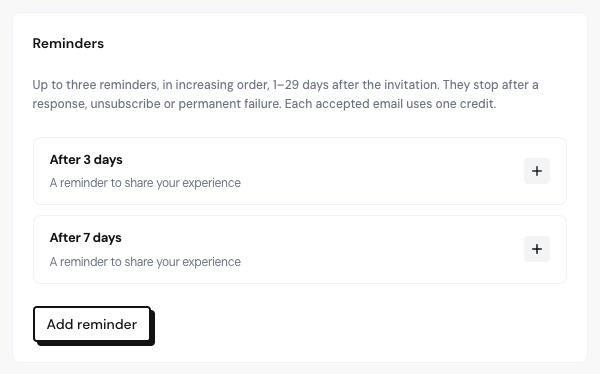
- Every new campaign comes with 2 reminders: one 3 days and another 7 days after the invitation.
- You can have up to 3 reminders, between 1 and 29 days after the invitation, in ascending order.
- Reminders stop when the person responds, unsubscribes or the email fails for good.
- Each reminder accepted for delivery uses one credit from the monthly email quota.
Edit the reminders
Open the Message step
In the campaign draft, go to the Message step and scroll to Reminders.
Adjust each reminder
In each item, change Days after the invitation, the subject and the text. The text of each reminder must include {{link}}.
Add or remove
Use Add reminder (up to 3) or Remove reminder. With none, the campaign shows No reminders.
In the email preview, pick each reminder in Message to preview to check how it arrives.
Frequently asked questions
Do reminders extend how long the link lasts?
No. The invitation link is valid for 30 days from the first send, with or without reminders.
Can I change the reminders after starting the campaign?
No. They’re frozen along with the rest of the campaign.
Is a late reminder sent later?
Reminders that couldn’t go out on time, for example during a pause, are skipped.
Related articles
Last updated on