Your data and deleting your account
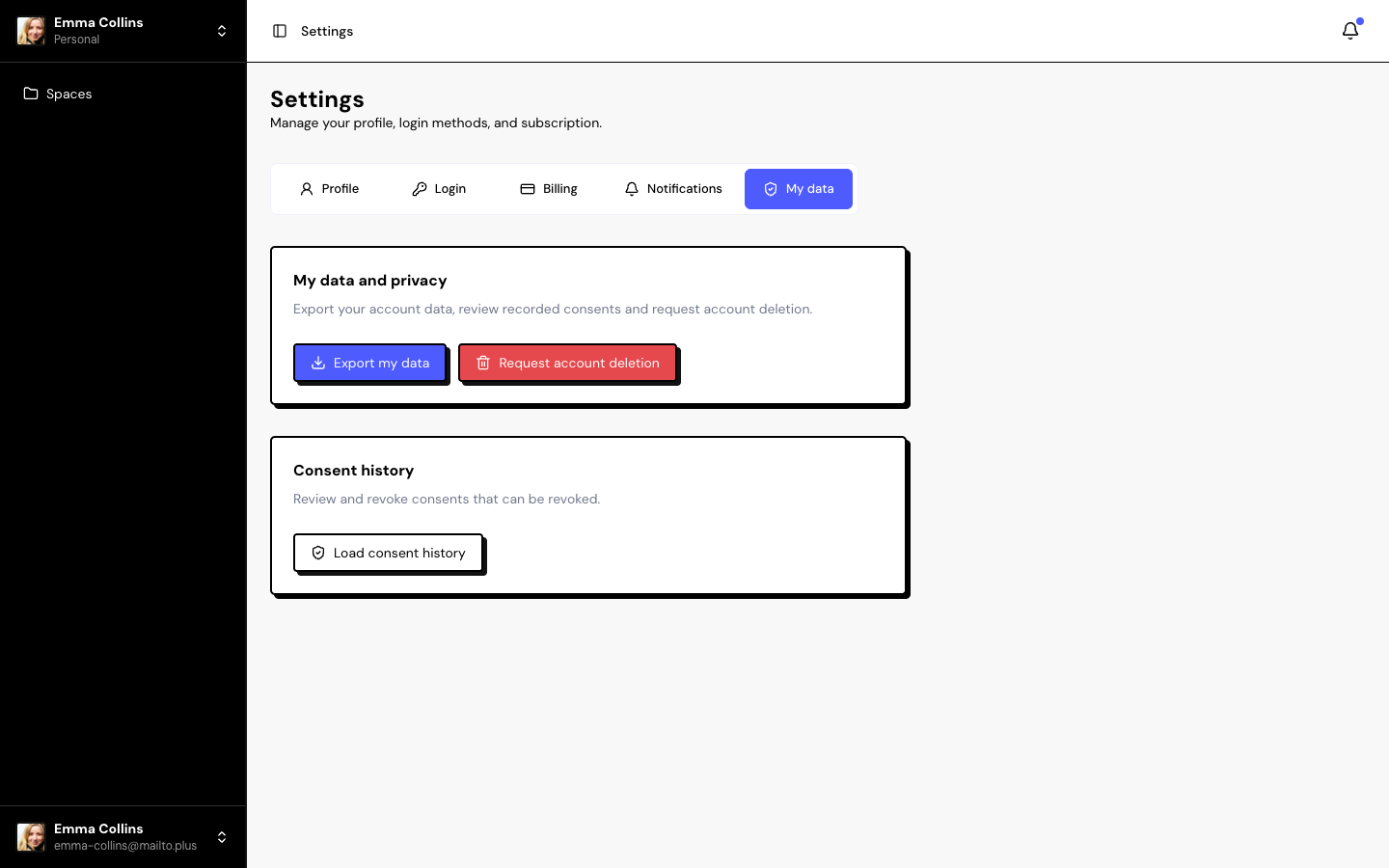
In Settings › My data, you export your account data, review consents and request account deletion.
Export my data
Click Export my data. Your browser downloads a JSON file with:
- Your profile, your consents, your notifications and requests.
- The spaces you own, with people, campaigns, Insights and imports.
- Other people’s spaces where you are a member (only the name and your role).
To download testimonials, use the Inbox export.
Consent history
Click Load consent history to see the recorded consents. The ones that can be revoked have a Revoke button.
Delete your account
Click Request account deletion and confirm.
| When | What happens |
|---|---|
| Right away | You are signed out of all sessions and can no longer sign in. The subscription is set to cancel at the end of the period. Your spaces’ public pages go offline and your team members lose access. |
| After 30 days | The account is permanently deleted, along with the spaces you own, the videos and the files. |
Other people’s spaces where you were a member keep existing.
During those 30 days, only support can undo the deletion. After that, nothing can be recovered. Export what you need first.
Frequently asked questions
I requested deletion by mistake. What now?
Contact support as soon as possible, within the 30 days.
Does deleting my account cancel my subscription?
Yes. The subscription is set to cancel at the end of the paid period.
I want to leave a space, not delete my account.
Use Leave space in the space switcher, at the top of the sidebar.
Related articles
Last updated on