Create a testimonial or NPS form
A form is the public page your customers fill out. It can collect testimonials in text and video or measure satisfaction with an NPS survey. All the space’s forms are in Forms, in the Collect group of the sidebar.
The number of forms depends on your plan and is counted per account, adding up all your spaces. See the numbers in Plans and limits.
Choose the form type
| Type | What it’s for | What the customer answers |
|---|---|---|
| Testimonial | Collect testimonials to show on Walls, Widgets and case studies. | Questions in text, video or both, plus name and optional details. |
| NPS survey | Measure customer loyalty and get feedback. | A score from 0 to 10 and text questions. It can be anonymous. |
The type can’t be changed after the form is created. To switch, create a new form.
Create a form
Open Forms
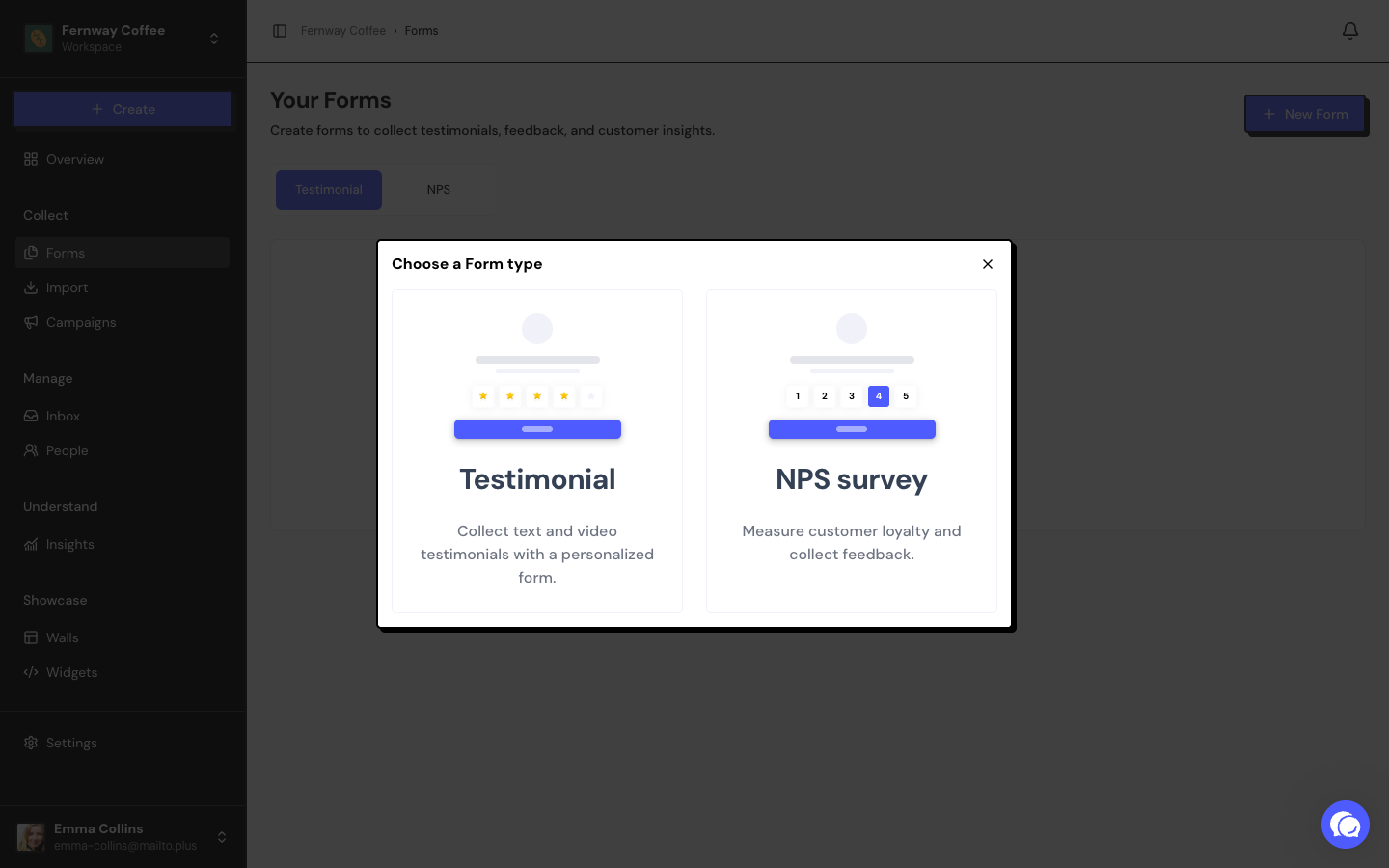
In the space’s sidebar, click Forms and then New Form.
Choose the type
In the Choose a Form type window, click Testimonial or NPS survey. The form is created right away and the editor opens.
Customize and save
Adjust the name, the steps and the design. Click Save changes before leaving the editor.
A new form is already Accepting responses. Review the texts before sharing the link.
What the list shows
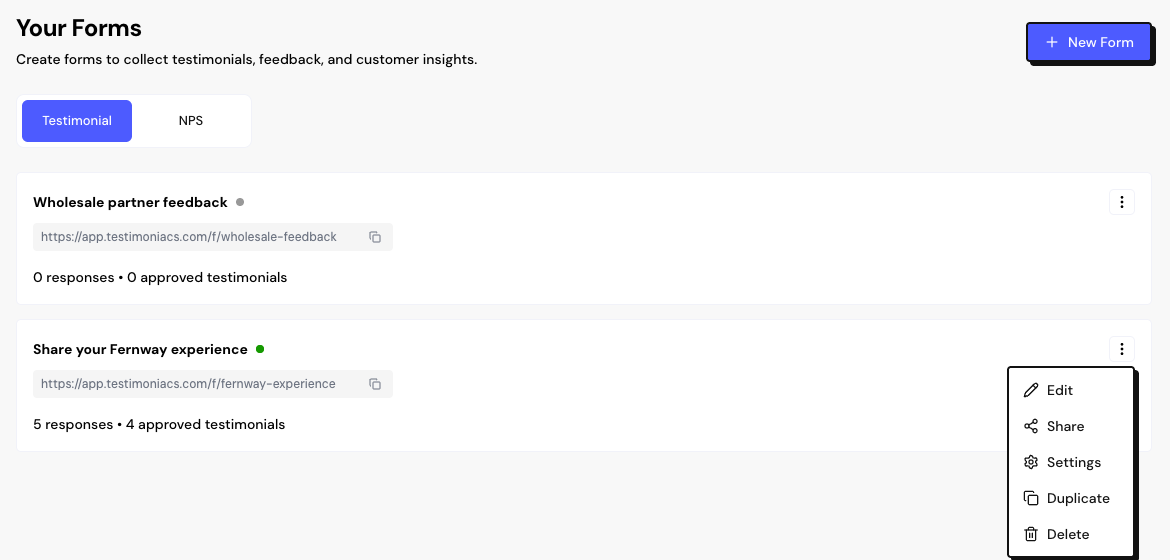
Each form appears as a card, split into the Testimonial and NPS tabs. The card shows:
- The form’s name, which opens the editor.
- The status: Accepting responses or Collection paused.
- The public link, with a button to copy it.
- The number of responses. Testimonial forms also show the approved testimonials and the videos.
- On NPS forms, the Analysis button.
Rename, duplicate or delete
Rename
Open the form and click its name at the top of the editor. Type the new name and click Save changes.
Frequently asked questions
The New Form button is disabled. Why?
Your account has reached your plan’s form limit. Delete a form you don’t use or change plans in Settings › Billing.
Why don’t I see the New Form button or the ⋮ menu?
Your role in this space is Sharer, which only views and shares forms. Ask an Admin or the Owner for an Editor role.
Can I have several forms in the same space?
Yes, within your plan’s limit. It’s useful for separating products, languages or moments in the customer journey.